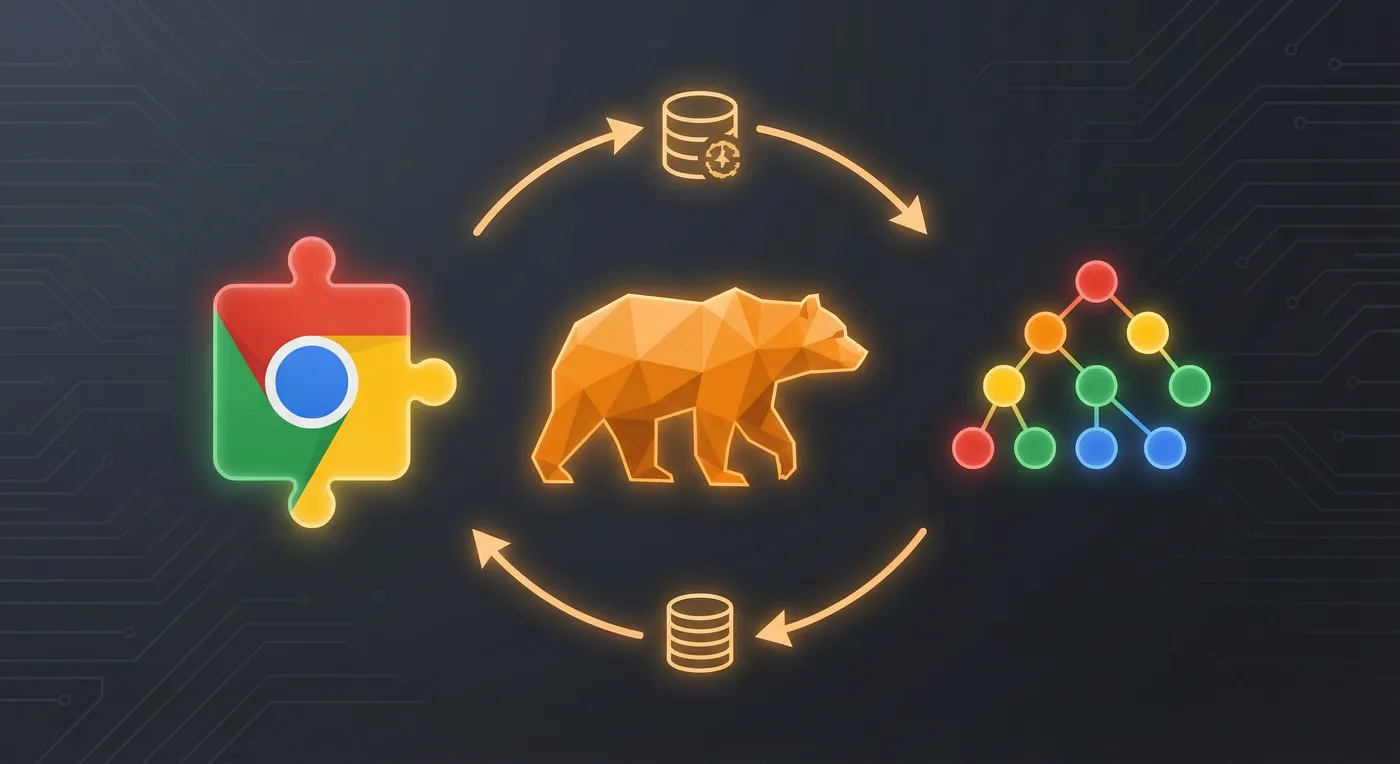
Zustand + Chrome Storage
A reference implementation for state management in Chrome Extensions using Zustand with Chrome’s Storage API as the persistence layer.
The Problem
Chrome Extensions have a unique constraint: code runs in multiple isolated contexts (popup, background service worker, content scripts) that can’t share memory. Traditional React state management assumes a single JavaScript context, which breaks down in extensions.
Common approaches have drawbacks:
- Redux + webext-redux — heavyweight, complex setup, overkill for most extensions
- Raw Chrome Storage — no reactivity, manual subscriptions, easy to create race conditions
- Context API — doesn’t work across extension contexts
The Solution
Zustand’s vanilla (non-React) store can be configured to:
- Persist state to Chrome Storage
- Subscribe to storage changes from other contexts
- Provide reactive updates to React components
This gives you the developer experience of Zustand with automatic sync across all extension contexts.
How It Works
import { createStore } from "zustand/vanilla";
import { immer } from "zustand/middleware/immer";

interface AppState {
  favorites: string[];
  addFavorite: (id: string) => void;
}

// Create a vanilla store (works outside React)
const store = createStore<AppState>()(
  immer((set) => ({
    favorites: [],
    addFavorite: (id) =>
      set((state) => {
        state.favorites.push(id);
      }),
  })),
);

// Sync to Chrome Storage on state changes
store.subscribe((state) => {
  chrome.storage.local.set({ appState: state });
});

// Listen for changes from other contexts
chrome.storage.onChanged.addListener((changes) => {
  if (changes.appState) {
    store.setState(changes.appState.newValue);
  }
});
The popup, background script, and content scripts all create their own store instance, but Chrome Storage keeps them synchronized. Changes in one context propagate to all others.
Key Patterns
| Pattern | Purpose |
|---|
| Vanilla store | Works in non-React contexts (background scripts) |
| Immer middleware | Ergonomic immutable updates |
| Storage listener | React to changes from other contexts |
| Selective persistence | Only persist what needs to survive restarts |
Production Use
This pattern powers the Sovrn Commerce Chrome Extension, where it handles:
- User authentication state across popup and content scripts
- Cached API responses with TTL-based invalidation
- User preferences that persist across browser sessions
Getting Started
gh repo clone drewalth/chrome-extension-zustand
cd chrome-extension-zustand
npm install
npm run dev
Load the extension in Chrome:
- Navigate to
chrome://extensions/
- Enable “Developer mode”
- Click “Load unpacked” and select the
dist directory
Tech Stack