
American Whitewater
Full-stack platform modernization and offline-first mobile app for the nation's leading whitewater conservation organization
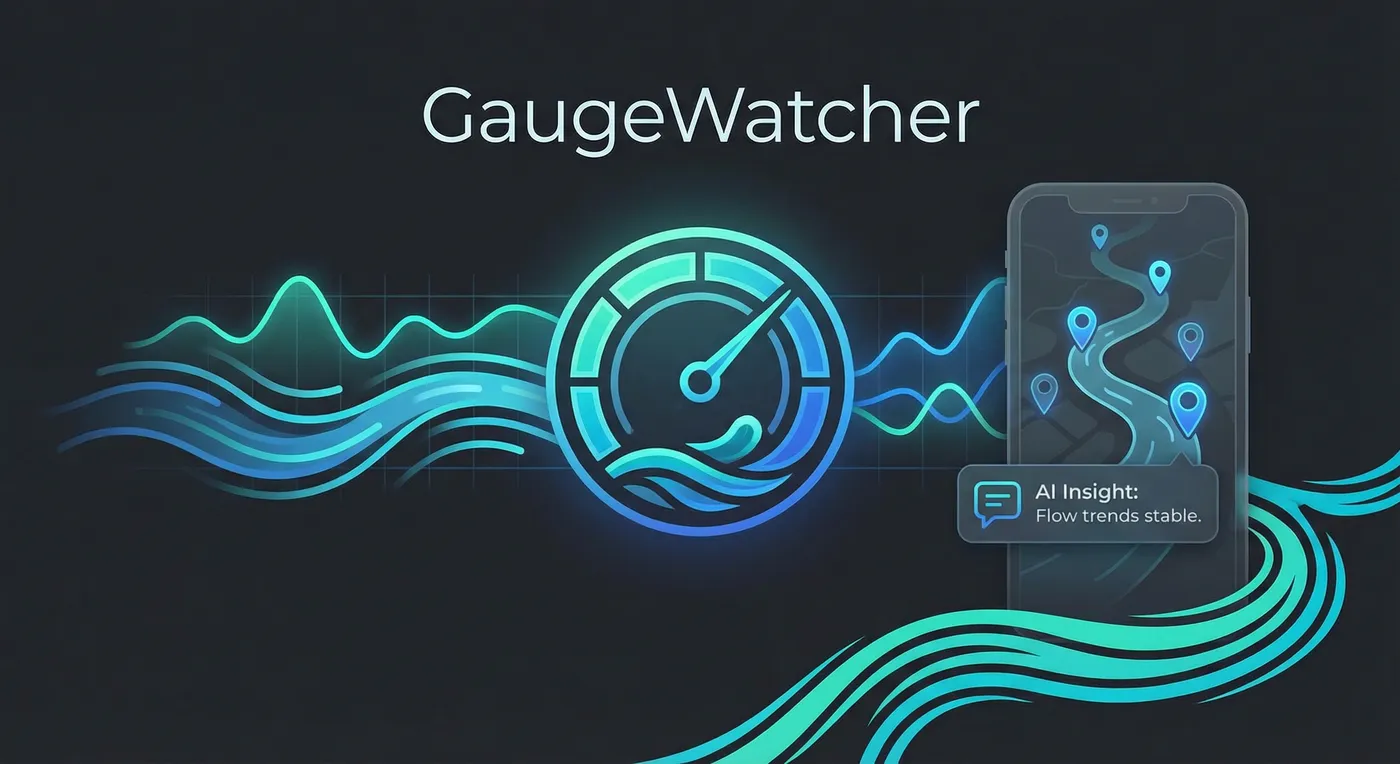
River flow monitoring app for iOS and macOS with on-device AI assistant powered by Apple Intelligence
View projectSwift
SwiftUI
TCA
SQLite
Apple Intelligence
Python
Download on the App Store | View on GitHub
A native iOS and macOS app for monitoring river flow conditions in near-real-time, with an on-device AI assistant powered by Apple Intelligence.
As a whitewater kayaker, I check river gauges constantly—sometimes obsessively. Flow rates determine whether a river is runnable, and conditions can change by the hour. Existing options were either web-only (frustrating on mobile) or iOS apps that hadn’t been updated in years.
I wanted an app that:
GaugeWatcher is my solution—and a playground for exploring Swift architecture patterns and Apple’s newest frameworks.
GaugeBot is a conversational interface powered by Apple’s Foundation Models framework. Users can ask questions like “What gauges are running in Colorado?” or “Show me my favorites” and get instant answers—all processed entirely on-device.
| Capability | Example |
|---|---|
| Natural language search | ”Find gauges on the Arkansas River” |
| Favorites access | ”What are my saved stations?” |
| Contextual queries | ”Which of my favorites are running high?” |
The AI assistant uses tool calling to access the local database, meaning it can query actual gauge data rather than hallucinating responses. All processing happens on-device—no data leaves the user’s Mac or iPhone.
See the React Native Foundation Models lab project for how I extracted these learnings into a reusable library.
The app shares 90%+ of its code between iOS and macOS using The Composable Architecture (TCA):
┌─────────────────────────────────────────────────────────────────────────┐
│                              Applications                               │
├──────────────────────────────────┬──────────────────────────────────────┤
│          GaugeWatcher            │          GaugeWatcherMac             │
│          (iOS App)               │          (macOS App)                 │
└──────────────────────────────────┴──────────────────────────────────────┘
                                   │
                    ┌──────────────┴──────────────┐
                    │       SharedFeatures        │
                    │   (Cross-platform TCA)      │
                    └──────────────┬──────────────┘
                                   │
        ┌──────────────────────────┼──────────────────────────┐
        │                          │                          │
┌───────┴───────┐         ┌────────┴────────┐        ┌────────┴────────┐
│  GaugeSources │         │  GaugeDrivers   │        │  GaugeService   │
│  (Definitions)│         │  (API Clients)  │        │  (Data Layer)   │
└───────────────┘         └─────────────────┘        └────────┬────────┘
                                                              │
                                                     ┌────────┴────────┐
                                                     │   AppDatabase   │
                                                     │    (SQLite)     │
                                                     └─────────────────┘
Platform-specific code is minimal—primarily navigation patterns (tab bar vs. sidebar) and platform-appropriate UI conventions.
River data is cached locally in SQLite with intelligent sync:
Each government agency exposes data differently. I implemented a driver pattern that normalizes responses into a unified model:
| Provider | Coverage | API Style |
|---|---|---|
| USGS | United States | REST/JSON |
| Environment Canada | BC, ON, QC | CSV over HTTP |
| Colorado DWR | Colorado | REST/JSON |
| LAWA | New Zealand | REST/JSON |
Adding new data sources requires implementing a single protocol—the rest of the app is agnostic to where data originates.
An experimental feature uses time-series forecasting to predict future river levels. See Flow Forecast for details on the Python/Prophet backend that powers this.
| Decision | Rationale |
|---|---|
| TCA over vanilla SwiftUI | Testability, scalability, and explicit state management for a complex app |
| SQLite over SwiftData | More control over schema, better offline performance, proven at scale |
| Local packages over monolith | Clear boundaries between features; faster incremental builds |
| Apple Intelligence over cloud AI | Privacy-first; no API costs; works offline |
Full-stack platform modernization and offline-first mobile app for the nation's leading whitewater conservation organization

Complete rewrite of a legacy browser extension with modern tooling and improved developer experience

Native iOS app enabling content creators to manage affiliate links on mobile, generating new revenue for the platform